
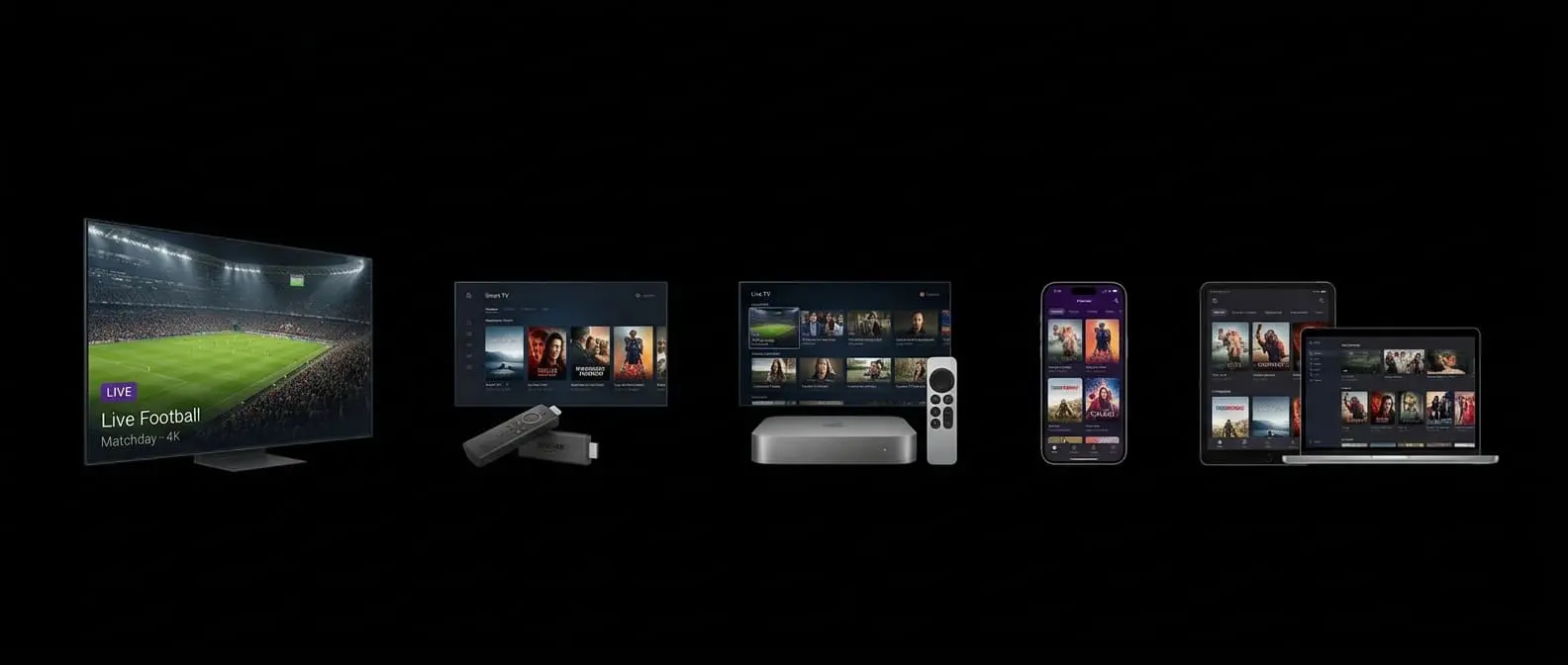
Android TV and its newer interface, Google TV, power TVs from Sony, Philips, TCL and Hisense, as well as streaming devices like Chromecast with Google TV and the Nvidia Shield. Because they run Android, they support the widest choice of IPTV players — including TiviMate, which many viewers consider the best IPTV experience available. Our comparison of IPTV player apps sets it against the alternatives.
What you'll need
- an Android TV or Google TV device, or an Android phone or tablet
- your ProTVHub login details (or a free trial)
- a player app — we recommend TiviMate for TVs and IPTV Smarters for phones
Step 1: install a player
Open the Google Play Store on your TV or device and search for your chosen player. TiviMate and IPTV Smarters have both been available on Google Play for Android TV devices, though store listings change from time to time. If an app isn't listed, only install it from the developer's official website.
Step 2: add your ProTVHub login
Adding your login in TiviMate
- Open TiviMate and select Add playlist.
- Choose Xtream Codes.
- Enter the server address, username and password from your welcome email.
- Select Next, give the playlist a name and finish.
TiviMate downloads your channels and programme guide, then opens the TV guide view. Premium features such as recording and multi-view need a separate licence from TiviMate's developer.
Adding your login in IPTV Smarters
- Open IPTV Smarters and choose Login with Xtream Codes API.
- Enter any name for the profile, then your username, password and server URL.
- Select Add user. Live TV, films and series appear as separate sections.
Unsure which field is which? Our explainer on Xtream logins and M3U links breaks down each part.
Step 3: fine-tune for the best experience
- Match frame rate. On many Android TV devices, turning on match content frame rate (in display settings) makes sport and film motion look more natural.
- Set the guide as your start screen in TiviMate so the TV feels like normal television.
- Hide unwanted groups to make browsing faster.
- Use a wired connection for 4K where possible.
Android phones and tablets
The same players work on phones and tablets. IPTV Smarters is the most common choice here because its layout suits touchscreens. Remember that each device streaming at the same time uses one of your plan's connections — see using IPTV on multiple devices.
Troubleshooting
"Authorisation failed" — check the username and password for capital letters and stray spaces.
Guide is blank — in TiviMate, open Settings → EPG and select Update EPG. Our EPG troubleshooting guide covers the other causes.
Stuttering on a TV's built-in system — some budget TVs have slow processors. A dedicated streaming device such as a Chromecast with Google TV or a Fire TV Stick 4K Max often runs IPTV much more smoothly.