
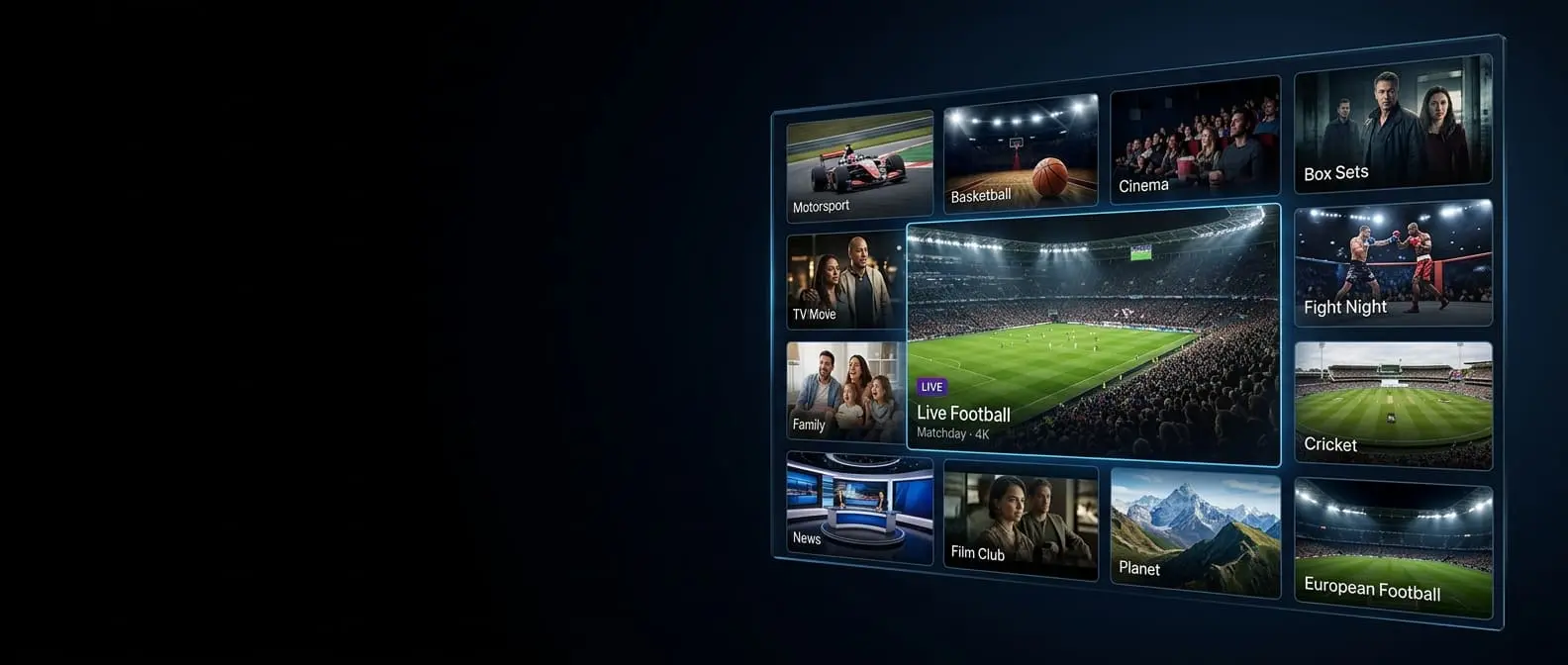
If you've ever watched live TV through an app, you've already used a form of IPTV. The term just describes the delivery method: instead of a signal arriving through an aerial, dish or cable, television arrives as data over your broadband connection.
IPTV in one sentence
IPTV (internet protocol television) is live TV and on-demand video sent over the internet to an app on your TV, streaming stick, phone or computer.
How it reaches your screen
- Channels are encoded — each live channel is turned into a compressed digital video stream on the provider's servers.
- Your app asks for a channel — when you select one in your player, it requests that stream using your login.
- The stream is delivered over your broadband, a few seconds of video at a time.
- Your device plays it — the player decodes the video and shows it on screen, while the programme guide shows what's on.
All of this happens in a second or two. With a steady connection it feels just like changing channel on a normal TV.
Live TV, on demand and catch-up
A full IPTV service such as ProTVHub usually combines three things:
- Live channels — broadcast in real time, with a programme guide.
- Video on demand — a library of films and series you can start whenever you like.
- Catch-up — the ability to go back and watch programmes from recent days on supported channels.
Everything you need
- A broadband or 4G/5G connection — around 10Mbps for HD, 25Mbps for 4K. See the speed you need.
- A device — a Firestick, Android or Google TV device, a Samsung or LG smart TV, an Apple TV, a phone, a computer or a MAG box.
- A player app — such as TiviMate or IPTV Smarters. Compare them on our players page.
- A subscription — which gives you login details (your "line") to enter into the app. Our page on IPTV lines explains each part.
IPTV compared with other ways to watch
| Feature | IPTV | Satellite / cable | Streaming apps |
|---|---|---|---|
| Delivered by | Your broadband | Dish or cable | Your broadband |
| Installation | App only | Dish or engineer | App only |
| Live channels | Yes, with a guide | Yes | Limited or none |
| On demand | Yes | Yes | Yes |
| Devices | Many | Provider box, some apps | Many |
In short, IPTV combines the live channels and guide of traditional pay TV with the flexibility and easy setup of streaming apps.
Is IPTV right for you?
IPTV suits households that want lots of live channels without a dish or long contract, people who watch on several devices, and anyone with international viewing needs. It's less suited to homes with very slow or unreliable broadband.
The easiest way to find out is to try it. Our UK IPTV service comes with a free 24-hour trial and no card details, so you can see how it runs on your own TV and connection. When you're ready, the subscription plans start at £15 a month.