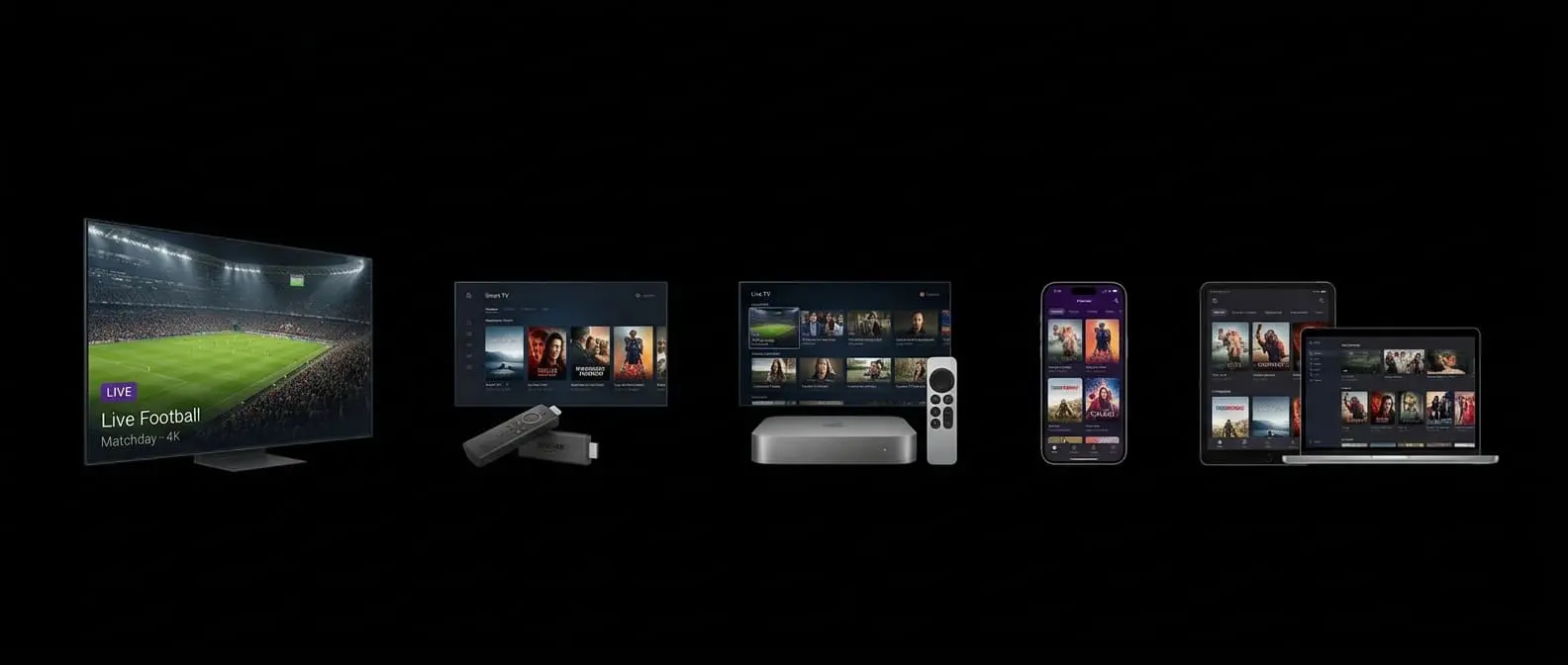
Firestick guide
IPTV on Firestick and Fire TV
The Fire TV Stick is the most popular way to watch IPTV in the UK — cheap, quick to set up and happy on almost any TV. Here is how to get ProTVHub running on yours.
If you already own an Amazon Fire TV Stick, you're about ten minutes away from watching ProTVHub. If you don't, it's one of the most affordable ways to turn any TV with an HDMI socket into a full IPTV set-up. This guide covers which model to choose, which app to install and how to get a stable picture.
Why Firestick works so well with IPTV
- It plugs into any TV with a spare HDMI port, so older non-smart TVs work too.
- It runs Android-based apps, which gives you access to the best IPTV players available.
- The remote is simple, so the whole household can find their way around.
- It's portable — take it on holiday and plug it into another TV.
Which Fire TV device is best for IPTV?
| Device | Best for | Notes |
|---|---|---|
| Fire TV Stick Lite / standard | HD TVs, bedrooms | Fine for HD channels; less headroom for 4K |
| Fire TV Stick 4K | 4K TVs | A good all-rounder for Ultra HD |
| Fire TV Stick 4K Max | Main living-room TV | Faster processor and Wi-Fi — the smoothest experience |
| Fire TV Cube | Heavy use, wired setups | Most powerful; supports an Ethernet adapter |
If you're buying new for IPTV, a 4K Max is the best balance of speed and price. Whatever model you use, the performance tips further down will help.
Choosing a player app
ProTVHub works with any IPTV player that supports Xtream-codes logins or M3U playlists. On Firestick, the two most popular choices are:
- IPTV Smarters Pro — straightforward, beginner-friendly and quick to set up.
- TiviMate — a polished, TV-style interface with an excellent programme guide; its premium features need a separate licence from the app's developer.
Both are covered in more detail on our IPTV players page, along with alternatives.
How to set up IPTV on a Firestick
Before you start, have your ProTVHub login details to hand (or request a free trial).
Step 1: allow apps from outside the Appstore
Some players aren't listed in the Amazon Appstore, so you may need to allow installs from a trusted downloader app:
- From the Fire TV home screen, open Settings → My Fire TV.
- If you don't see Developer Options, open About, highlight your device name and press select seven times.
- Go back, open Developer Options and turn on Install unknown apps for the app you'll use to download the player (for example, the free Downloader app from the Appstore).
Step 2: install your player
Search the Appstore for your chosen player first. If it isn't listed, use Downloader to fetch the official installer from the player developer's own website — only ever install apps from their official source.
Step 3: add your ProTVHub login
- Open the player and choose to add a new playlist or user.
- Select Xtream Codes (sometimes labelled "Xtream API" or "Login with Xtream").
- Enter the server URL, username and password from your ProTVHub email exactly as written.
- Give the playlist a name and save.
The player will download the channel list and programme guide — this usually takes under a minute. If you're unsure what each field means, our explainer on what each IPTV login field does covers them.
Step 4: tidy up and start watching
Hide the channel groups you'll never use, add favourites and, in TiviMate, set the guide as your home screen. That's it — the full ProTVHub IPTV subscription service is now running on your Firestick.
Tips for a smoother Firestick stream
- Use a wired connection if you can. An Amazon Ethernet adapter removes Wi-Fi from the equation.
- Keep the stick away from the back of the TV. Use the HDMI extender that comes in the box to improve Wi-Fi reception.
- Restart regularly. Hold Select + Play/Pause for five seconds to restart and clear memory.
- Clear the player's cache if channels start slowly.
- Uninstall apps you don't use to free up storage and memory.
- Choose HD over 4K on a basic stick or a slower connection.
Still buffering? Work through our IPTV buffering guide.
How many Firesticks can I use?
As many as you like can have the app installed — the limit is how many play at once. The monthly plan allows one stream, the 3- and 6-month plans two, the 12-month plan three and the 24-month and Lifetime plans five. Check the IPTV plans and their connection limits to choose the right number for your home.
 PlayersIPTV player apps, comparedTiviMate, IPTV Smarters, SIPTV, Kodi and VLC: strengths, devices and setup.Compare player apps
 TroubleshootingIPTV buffering and freezing: 12 fixes to tryA step-by-step checklist to stop buffering and freezing on any device.Try the buffering fixes
 The basicsIPTV lines and logins, explainedWhat an IPTV line is, what each part of your login does and how connections work.Understand IPTV lines
Ready when you are
Start with a free 24-hour trial
Test every channel on your own devices, then pick a plan from £15. Every paid plan includes a 7-day money-back guarantee.